Agency Workflow Automation: What to Automate First
October 14, 2026

Agency workflow automation should start with reporting, then onboarding, then handoffs. Those three are where the repeated hours hide, and all three are rule-based enough that software does them reliably. Strategy, creative judgment and client relationships stay manual, and trying to automate them early is the fastest way to make a small team slower. Automate one workflow at a time, measure the hours it returns, and stop when the returned hours stop showing up on an invoice.
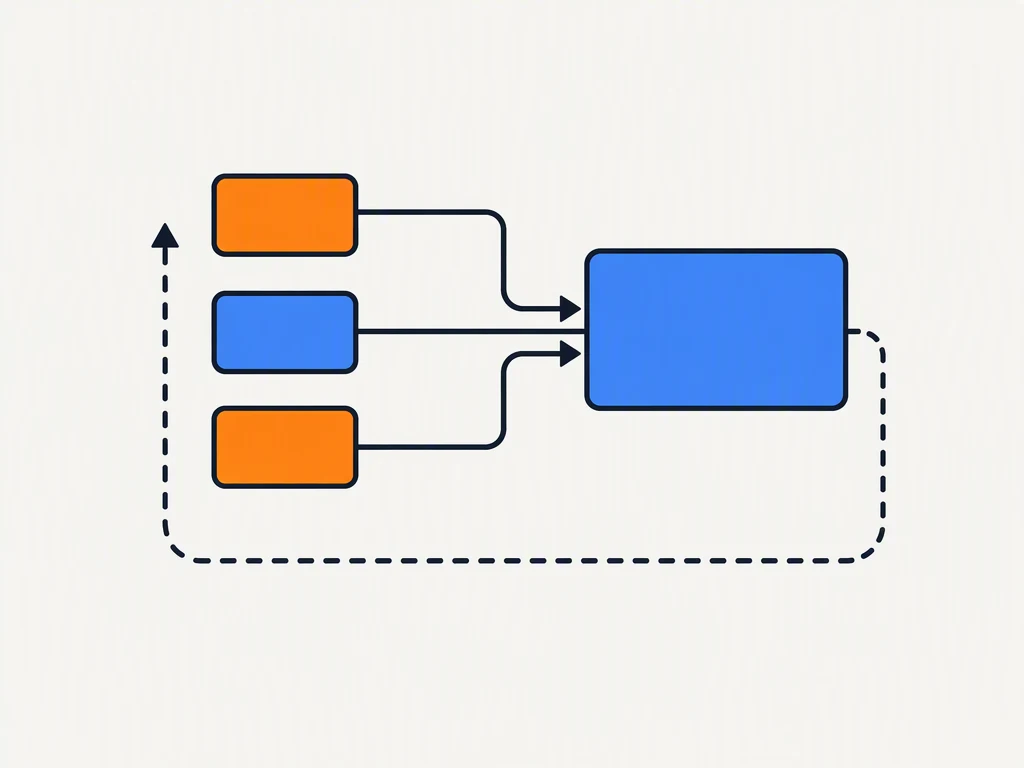
The mistake agencies make is treating automation as a tool purchase. It is a process decision. Buying a tool before you have written down the steps it is meant to replace produces a subscription that nobody uses and a workflow that is now split across two places.
What should an agency automate first?
Reporting. It is the most repetitive work in the agency, it has the clearest rules, and it produces nothing a client pays a premium for.
Analysts doing manual reporting spend on the order of ten to fifteen hours a week assembling numbers that already exist in three different platforms (Improvado). That is most of a working day and a half, every week, per analyst, spent on assembly rather than interpretation.
Onboarding is the second candidate. It is the same sequence for every client, it involves the same five or six requests, and it is where new accounts go quiet for two weeks.
Handoffs are third. Every time work moves between strategist, writer, designer and account manager, something gets lost. A written trigger with an owner removes most of that.
Where the hours actually go
Before automating anything, log a week. Most agencies are wrong about which task is eating the time.
| Task | Frequency | Typical time per cycle | Automate? |
|---|---|---|---|
| Monthly client reporting | Monthly per client | 2–4 hours | Yes, first |
| New client onboarding | Per client | 4–6 hours | Yes, second |
| Creative handoff and approvals | Weekly | 1–2 hours | Yes, third |
| Ad and campaign performance pulls | Weekly | 30–60 min | Yes, as part of reporting |
| Strategy and positioning work | Per engagement | Days | No |
| Client relationship management | Continuous | Not measurable | No |
Two rules make this table useful. Automate only tasks that repeat on a schedule, and automate only tasks whose output is checked by a human before it leaves the building. A workflow that fires without review is a liability, not a saving.
The order to automate in
Sequence matters more than tooling. Each step makes the next one cheaper.
- Data collection. Get every source into one place on a schedule. Nothing downstream works until this is boring and reliable.
- Reporting assembly. Generate the client report from the collected data. Keep the commentary manual; automate the charts and the numbers.
- Onboarding sequence. Turn your kickoff checklist into a triggered sequence with owners and due dates.
- Internal handoffs. Define what "ready for design" means, and make the system check it before the task moves.
- Client-facing summaries. Only once the numbers are trustworthy, let the system draft the narrative. Edit it; never send it raw.
Most agencies try to start at step five, because that is the part that looks impressive. It is also the part that fails first, because it sits on top of data nobody has cleaned.
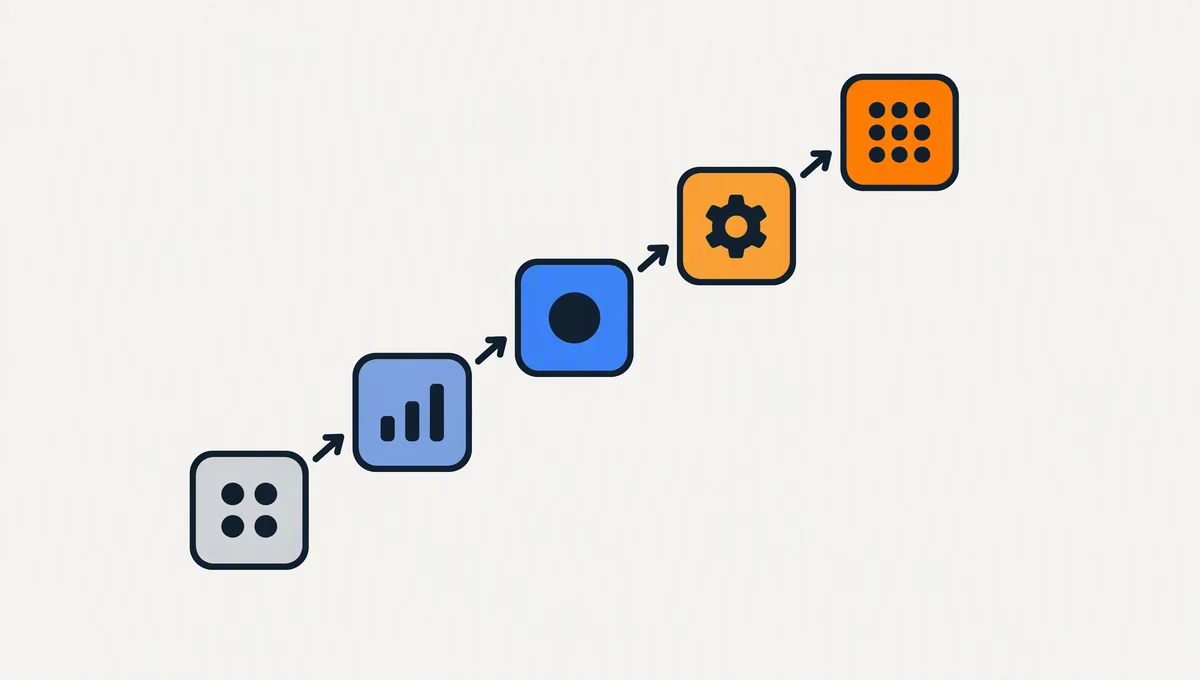
Agency workflow automation that pays back in a month
The test of a first automation is whether it returns more hours than it took to build. A monthly client report is the right first project for almost every agency.
| Week | What you build | Hours in | Hours out per month |
|---|---|---|---|
| Week 1 | Connect the three data sources you use most | 3 | 0 |
| Week 1 | Build the report template once, properly | 4 | 0 |
| Week 2 | Schedule the pull and the send, test on one client | 2 | 0 |
| Week 2 | Roll out to every client on the same template | 2 | 0 |
| Month 2 onward | Maintenance | 1 | 8–20 |
The break-even point is usually the second month, and the maintenance line is the number people forget to plan for. An automation that needs three hours of upkeep a month to save eight is still worth it. One that needs eight to save eight is not.
Agency Dashboard's guide to automating a monthly workflow reports agencies recovering around forty hours a month from reporting alone (Agency Dashboard), which is consistent with the arithmetic above once you multiply across clients.
What not to automate
Some work should stay slow. Automating it costs you the thing clients actually pay for.
- Positioning and strategy. The output is an argument, and arguments need a person who has sat with the client.
- Creative direction. Templates produce average work. Your differentiator is that you do not ship average work.
- Difficult client conversations. Automating a check-in email to a worried client is how a renewal turns into a churn.
- Anything you cannot describe as rules. If you cannot write the steps down, you cannot automate them, and you will spend more time maintaining a broken flow than doing the task.
The pattern is simple. Automate the assembly, keep the judgment.
How do you know an automation paid off?
Three numbers, checked ninety days after launch.
| Signal | What good looks like |
|---|---|
| Hours returned | Measurably more than maintenance costs |
| Error rate | Down, not flat — manual reporting is where mistakes come from |
| Client questions | Fewer "where did this number come from" emails |
The third one is the underrated metric. If clients are asking fewer clarifying questions about the numbers, the automation is working. If they are asking more, the automation is producing output nobody trusts, and you have moved the work rather than removed it.
Workflow automation ROI is not hard to calculate once you track the actual time spent building recurring reports (TimeTackle). Log the hours for two weeks before and two weeks after, and the answer is arithmetic rather than opinion.
Three ways automation backfires
You automate a broken process. Automating a manual workflow that nobody follows produces a digital workflow that nobody follows, faster. Fix the process on paper first.
Nobody owns the failure. When a scheduled report silently stops sending, someone has to notice. Give every automation an owner and a weekly check.
You remove the human review step to save a click. The review step is the quality control. Removing it to save two minutes a week is the most expensive two minutes in the agency.
Zapier's primer on workflow automation is a useful reference for the mechanics (Zapier), and HubSpot's guide to marketing automation covers the same ground from the demand-generation side (HubSpot).
The short version
Start agency workflow automation with reporting, then onboarding, then handoffs. Log a week before you buy anything. Build one workflow at a time, keep the human review step, and measure hours returned against maintenance cost at ninety days.
The same discipline applies one level down. HubSpot's breakdown of the eight report types worth building is a good checklist for deciding what belongs in the client-facing version versus the internal one (HubSpot).
If you are a founder running your own marketing rather than an agency running clients, the same order holds with fewer moving parts, and the weekly marketing plan for startups covers the version for a team of one. When you are ready to cut one long piece of work into posts across every client channel, the social distribution workflow is the companion piece. BrandOye builds the planning layer that decides which of these workflows is worth your next hour, and the pricing page shows what that includes.
One workflow. Ninety days. Then decide whether to build the second.